Table of Content
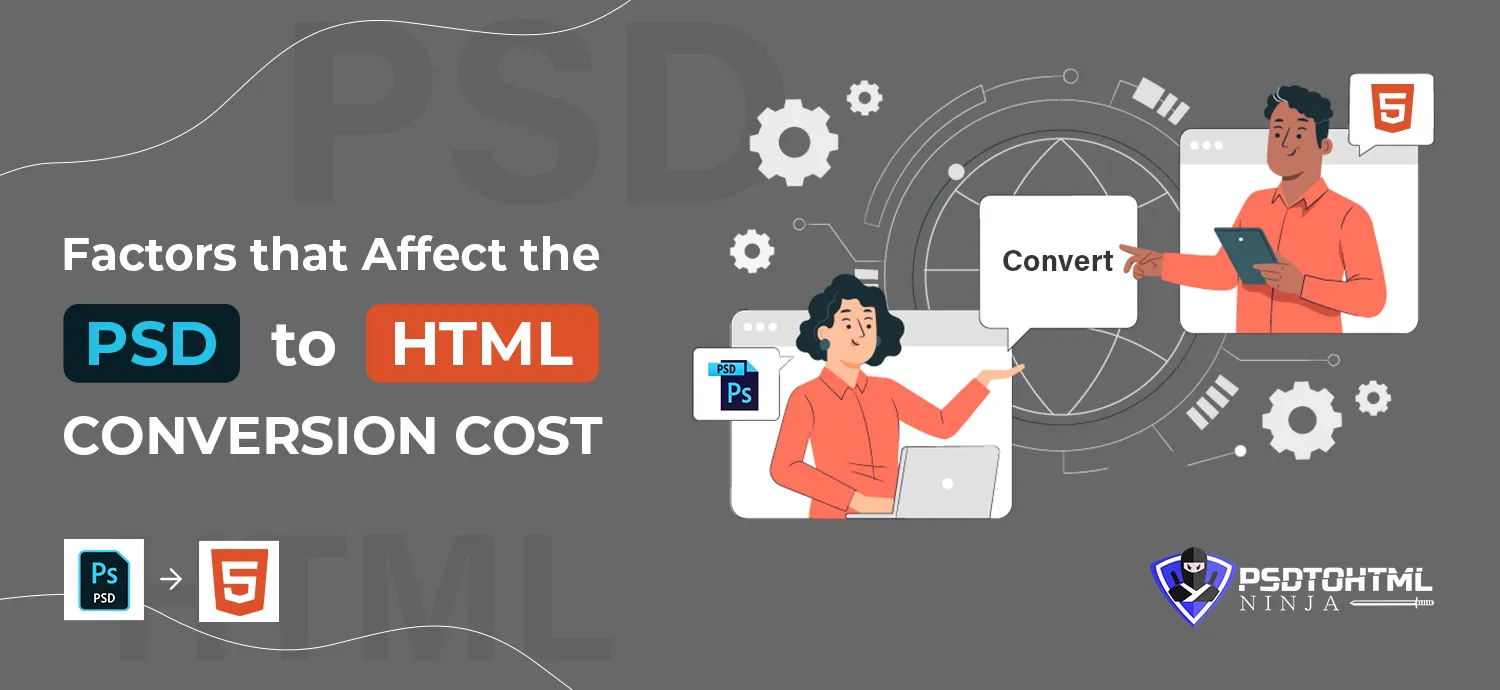
Converting a static design file into a fully functional HTML website is a vital step in web development. If you aim for visual excellence, fast loading, and responsiveness, transforming your PSD designs into HTML code can significantly enhance your digital presence. However, this valuable service comes with associated costs that vary depending on multiple factors.
Understanding the key pricing components ensures your project is delivered on time and within budget. From the number of pages to customization needs, this blog outlines what truly affects the cost when converting a design into clean, hand-coded HTML markup.
What is PSD to HTML Conversion?
It’s the process of translating a static mockup—often created using Adobe Photoshop—into semantic, responsive HTML code. Skilled developers break the layout into structured HTML and CSS, ensuring visual consistency across devices. This process is essential for bringing creative designs to life and ensuring cross-browser compatibility, mobile responsiveness, and optimal user experience.
Read this blog: How to Convert PSD to HTML: A Beginner’s Complete Guide
Key Factors That Affect Conversion Cost
Here are some essential elements that influence the pricing of your design-to-code project:
1. Number of Pages
The more pages your website has, the higher the cost. Each page requires layout extraction, responsive design adjustments, and coding—making the total time and effort grow significantly.
2. CSS Framework Usage
Frameworks like Bootstrap or Foundation can speed up development. However, if your project demands a custom framework or hand-written CSS, the cost will increase due to the additional effort and expertise needed.
3. Level of Customization
Projects with intricate animations, advanced UI components, or unique layouts require more manual work and precise coding, which elevates the final cost.
4. Pixel-Perfect Accuracy
When your design requires near-exact replication—including font types, spacing, image scaling, and responsiveness—it takes more developer time and testing.
5. Project Complexity
Simple brochure-style websites cost less than complex, interactive platforms like e-commerce stores or custom web apps. Integrating CMS systems, APIs, or dynamic features also increases the cost.
How to Select a Cost-Friendly Conversion Partner
To ensure you don’t overpay while still getting top-quality service, consider the following before choosing a conversion provider:
1. Experience and Portfolio
Check their past projects, expertise in various front-end technologies, and client testimonials to gauge quality.
2. Transparent Pricing
Compare models—whether per-page, package-based, or fully custom—and ensure there are no hidden charges.
3. Client Reviews
Look for unbiased reviews on platforms like Clutch, Trustpilot, or social media to understand the provider’s reliability.
4. Communication and Support
Ensure they offer timely communication and post-conversion support.
5. Hidden Costs Awareness
Ask upfront about additional charges like integration, maintenance, or design tweaks.
FAQs
Q: Is my design file safe with your team? Yes, we follow strict data security practices and never share your files with any third parties.
Q: How do you price your services? Our pricing depends on design complexity, features, deadlines, and format. Contact us for a personalized quote.
Q: Can I request changes to the design after submission? Absolutely. We accommodate design tweaks and minor updates based on your preferences.
Q: Do you offer support after the handover? Yes, we provide post-conversion support for updates, bug fixes, and maintenance.
Conclusion
A thoughtful, high-quality PSD to code conversion lays the foundation for your website’s performance and usability. It’s important to choose a development partner that understands both design fidelity and efficient code structure.
At PSDtoHTMLNinja, we offer tailored solutions for converting PSD, XD, Sketch, Figma, or PDF designs into clean HTML markup. Our team ensures responsiveness, fast loading, and SEO readiness—so your site not only looks good but performs brilliantly too.
Need a quote? Visit our PSD to HTML5 service page for pricing and turnaround time.

I am responsible for creating a sales funnel, attracting potential customers, and converting them into actual buyers.
Couldn't find what you were looking for?
Let us know how we can help!
Related Blog Posts