Table of Content
It would be safe to say that there are about 2.71 billion online buyers globally. This brings us to the fact that websites play a key role in business expansion and customer attraction. Developers adopt multiple ways of creating websites that match the ongoing market trends. Out of the many options, WordPress stands out for various reasons.
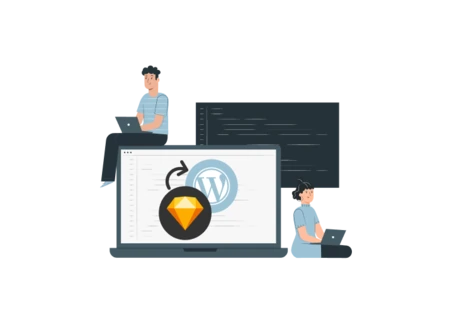
Professional development companies and experts rely on WordPress to develop vibrant and attractive websites. For this, they usually utilize the Sketch to WordPress conversion approach. In this process, a solid and attractive design that matches the actual website is visualized. Businesses often look for a reliable WordPress website development company. If you are also searching for credible information on converting Sketch to a WordPress theme, then this guide is made for you.
Brief Overview Of Sketch And WordPress
Sketch is a design software that helps in crafting UI/UX designs for websites, mobile applications, and progressive web apps. It offers several tools that make the design process easy and fast for UI/UX designers. It is a great tool for clients who want to see a prototype of their website design before embarking on the development stage.
Sketch is basically loved by designers because it allows them to resize any shape or element without compromising the sharpness. It gives a retina-ready design that looks appealing and vibrant. A clear and adequate design is easy to code and develop, which is where the WordPress development part comes in.
WordPress is a widely popular content management system tool that is also used as a website development platform. It is famous for building feature-full e-commerce and CMS websites that load fast and have a fast response rate. Anyone with minimum coding and technical knowledge can handle WordPress without any hassle.

Converting Sketch Design to WordPress - The Process
Converting a Sketch design into a completely live WordPress website is not a simple process, hence it should be well strategized. This process is not only limited to how the theme looks but also about its effectiveness, responsiveness, optimization, and usability.
There is a wide variety of conversion tools that can be found on the Internet in order to perform the required task. However, these tools do not give proper and accurate conversion. The process of PSD to WordPress conversion involves creating WP themes based on the sketch files using a manual conversion method. Below is an exclusive breakdown of the process.
- Resource preparation
- Analyzing the file
- Exporting the file
- Converting Sketch to HTML
- HTML to WordPress
- Code testing
- Adding the theme
Steps Of Converting Sketch To WordPress
Since we have everything needed for the project, the conversion process can be kickstarted. Converting Sketch to WordPress is more or less a 5-step process that results in a well-crafted website. Let us have a look:

Step 1. Resource Collection
Step 1 is to prepare and collect all the tools, subscriptions, and other resources that will help finish the conversion process at a fast rate.
Step 2. Sketch File Preparation
The next step is to prepare the UI/UX design file on Sketch. This would include adding the most suitable icons, color themes, graphics, shapes, and everything else that comprises a Sketch design file.
Step 3. Analyzing The File
You need to carefully analyze the design elements present in the Sketch file. This will help in creating a structure that will be followed throughout the conversion process. Some of the design elements will be static, which can be coded with HTML and CSS. Some dynamic components like icons, hover elements, etc. would need to be developed using JavaScript.
Step 4. Exporting The File
Once your file is ready, it will be sliced to separate the different design components like header, footer, etc. so they can be created accordingly. This is done by exporting the Sketch file in HTML format. Once slicing is done, you will know which element will require HTML and CSS work.
Step 5. Converting Sketch To HTML
For converting Sketch designs to HTML, there are two primary approaches: automated tools and manual hand coding. Some tools allow for a quick and painless conversion of Sketch files into code –but the code produced by these tools is often poor, non-responsive and non-optimized and such code is unfit for developing actual WP themes.
On the other hand, manual qualitative hand coding, though time-consuming, is a favorite method as compared to others. It includes accurate conversion of each component of the Sketch design to HTML, CSS, and JavaScript by a leading Sketch to HTML conversion company. The written code is of high quality, responsive, and customizable that serves as a strong starting point for the WordPress theme.
Step 6. HTML To WordPress
The next step is crucial in the Sketch to HTML conversion process for the HTML code separately written to fit the WordPress theme components. It consists of the following stages:
- Specific files of your theme will be created in index.php, style.css, footer.php, etc.
- The header of your website page will be created by the header code from the HTML file to the header.php file.
- The developer will copy all the code to the specific PHP files. Use WordPress functions like wp_head(), wp_wp_menu(), etc in the index.php file to link the header code and other code.
Step 7. Code Testing
It is crucial to test your WordPress theme before integrating it. This includes evaluating its look and feel, response time, and user experience to confirm its effectiveness. Thus, this step is to guarantee that the theme is launch-ready or ready to be unleashed to the world and provide the best user experience.
Step 8. Adding The Theme
After testing, go to the next session where you will add the theme to your WordPress site. All you do is upload it using the WordPress admin dashboard and then activate the changed design. These last stages help your Sketch design go through to the final stage of becoming a functional and professional WordPress website.
Also Read: How to Convert Sketch to HTML: A Step-by-Step Guide
Top 5 Methods of Sketch to WordPress Conversion

#1. Starter Themes
As their name suggests, Starter themes immediately convert your designs into WordPress themes. They are easy to convert because of the pre-built themes available.
#2. Page Builders
Page builders offer convenience when you want to customize the pre-built themes without having any coding experience and expertise. Page builders follow a drag-and-drop method for fast and simple conversion.
#3. Conversion Plugins
One of the common methods, plugins quickly generate code for the Sketch file without the help of any developer. This method is used when you want to complete a project on a tight deadline.
#4. Sketch to HTML to WordPress Theme Conversion
This is a slightly longer process where the developer first writes the HTML code for the Sketch file and then converts the HTML to WordPress theme. The final code will be clean and of great quality since you will have complete control over the project.
#5. Hiring a Service Provider
This is the most convenient and profitable method of converting a Sketch file to WordPress. All you need is a reliable conversion company, and their experts will take care of the rest. You will get an SEO-friendly and mobile-compatible website with unique features developed from your Sketch design.
Which Strategies Should You Use to Convert Sketch to WordPress Theme?
1. Manual Coding Strategy
Manually coding the HTML file involves getting the code written by an expert developer or coder. The process takes time but it guarantees quality results.
Benefits of Manual Coding
- Ultimate Quality: Trained and expert coders write the code for your design, which means the quality standards remain high. These professionals follow industry best practices to give you a pixel-perfect code conversion.
- Clean Code: The code written by manual process has zero to minimum errors. This increases the process and reduces delivery time.
- Easy Changes: Since the coder will always have access to the source, you can easily make changes to the website. All that is needed is the source code and some tag changes.
Key Steps for Manual Coding
- Coding: The first step in manual coding is writing the HTML code for your design file.
- Theme Addition: The written code is integrated into the WP theme.
- CSS and JavaScript: The altered theme and its components are further enhanced with CSS and JavaScript functionalities.
- Testing: The written code is tested for bugs and errors, revised, and then sent for launch.
When to Choose Manual Coding
The manual coding method is the most ideal process for businesses that put quality above everything. Creating e-commerce websites is a time-taking task but with the manual coding method, you save time since the written code is of superior quality. Clients wanting quality, easy customization, and accuracy should adopt the manual hand-coding method.
2. Plugin/Page Builder Strategy
This strategy is very popular for completing conversion projects that require instant delivery. Plugins automatically generate the HTML code of your Sketch file, which is directly used in the WordPress theme.
Benefits of Plugins
- Fast Process: Plugins are automated tools that generate code for the Sketch design file within minutes. This speeds up the development process, leading to quick conversion.
- Plugin Library: You can find countless Sketch to WordPress plugins online, both free and paid. This gives you an option to choose from a vast plugin library.
Key Steps For Using Plugins
- Plugin Download: Select the plugin you want to use and download it. Add its extension for quick access.
- Sketch File Import: Import your Sketch file to the plugin and see the magic happen. All your design components will be converted into an HTML code. Some plugins will convert the entire design while others will convert one element at a time. You can choose the one that best suits you.
- Code Integration: The generated will be integrated into the WP theme and the required changes will be made.
When to Choose Plugins/Page Builders
- Plugins are usually used in cases where the project is expected to be completed in minimum time. Page builders give instant code, providing you with a quick resolution.
Which Should You Choose?
Manual hand coding is often the first preference of experts and clients alike. The major reason is the quality of the code you receive. A good and responsive website is achieved with the help of a clean and semantic code, which is received with the hand coding method.
You can opt for a plugin approach as well but it will most likely have errors in the code.
How Does Sketch To WordPress Conversion Benefit Your Business?
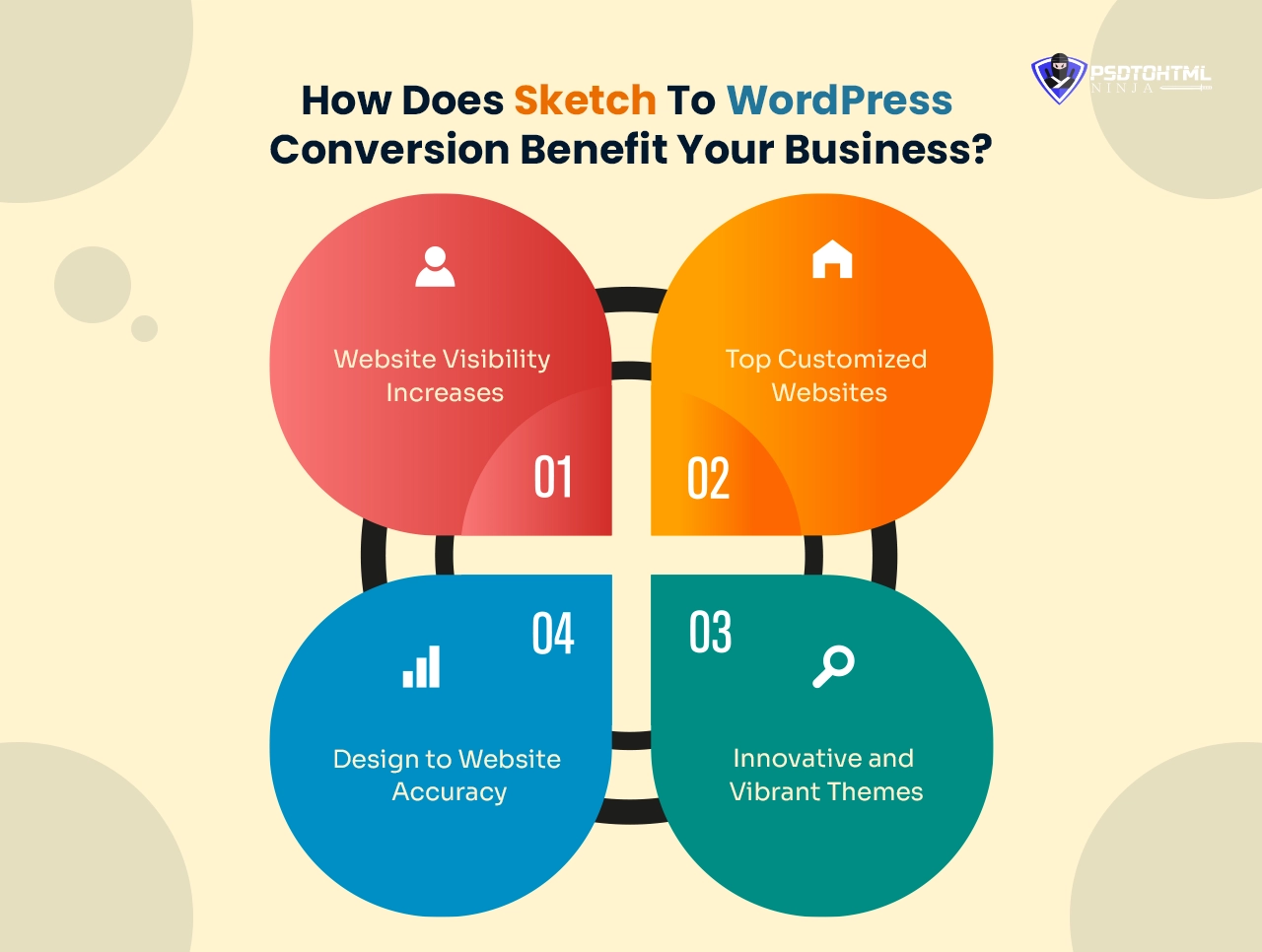
Investing in a Sketch to WordPress theme conversion service gives you a flawless website. It adds value to your business and brings the ultimate Return on Investment. We put forward the main benefits of this service:
1. Website Visibility Increases
Your website remains a mere skeleton if it fails to bring online traffic. By converting Sketch to WordPress, you get a website that ranks higher on the Search Engine. This is done with the help of a clean code that remains SEO-friendly.
2. Design to Website Accuracy
Every pixel and element of the Sketch design is accurately and completely converted to website components. The conversion process makes sure your website properly aligns with the design.
3. Innovative and Vibrant Themes
WordPress has a vast library of themes and templates that you can choose from. Using these vibrant themes makes the website unique and compels the online audience to visit your website and browse through its content.
4. Top Customized Websites
Customization is yet another attractive benefit of using Sketch to WordPress conversion. You can easily customize any part of the WordPress theme and modify it according to your needs.
This gives the website a brand-new look, making it authentic for users.
How Much Does Sketch To WordPress Theme Conversion Cost?
The actual cost of converting Sketch to WordPress themes depends on several aspects. This includes the Sketch file size, type, project deadline, and required features, among others.
Many companies follow a per-page pricing structure while others charge you on a project basis. For example, PSDtoHTMLNinja offers Sketch to WordPress conversion services whose cost starts at $199 for the homepage and $99 for the innerpage.
Must Read: Figma to WordPress: Top 3 Ways to Convert Your Figma Design into a WordPress Website
PSDtoHTMLNinja: Your Go-To WordPress Website Development Company
The internet is full of online buyers and potential customers. Business owners and entrepreneurs can leverage this vast audience with the help of a responsive website. Sketch to WordPress conversion is a unique and time-tested method of getting a website that aligns with your business.
If you are looking for a top-ranked and leading WordPress website development company offering high-quality Sketch to WordPress conversion services then PSDtoHTMLNinja is your one-stop solution. We not only add excellence to your website but also maintain the accuracy of your design. We make sure the final created website matches the design. Feel free to contact our support team for assistance.

Jayveer Ker serves as the Business Development Manager at PSDtoHTMLNinja.com, specializing in assisting organizations with overcoming web development hurdles. His insightful and informative posts deliver practical solutions and valuable insights.
Couldn't find what you were looking for?
Let us know how we can help!

Related Blog Posts