Table of Content
Many businesses struggle with disconnected systems where customer data and website content don’t communicate effectively. This often leads to missed opportunities, poor personalization, and inefficient workflows.
Customer Relationship Management (CRM) and Content Management System (CMS) are two powerful tools heavily utilized by businesses for multiple purposes.
Integrating them into your business model brings higher leads, boosts customer retention, simplifies content management, and keeps your brand relevant in the rapidly changing industry.
Traditional methods of managing content and customer relationships are time-consuming and pose risks of data loss. Both CRM and CMS are used in modern business operations.
If you are interested in exploring the benefits of CRM and CMS integration into your business, then this guide is all you need.
It covers aspects like generating more leads through CRM and hassle-free management of content using a CMS. We will also discuss their key features, best practices, and when you should use custom CRM and CMS integration.
What is CRM and CMS Integration?
CRM platforms are designed to manage and facilitate customer interactions for businesses. Through effective management of customer interactions, CRM systems bring more leads, deliver customer satisfaction, and streamline your business processes.
CMS platforms, on the other hand, focus on creating and managing content on your website. All your digital content, like blogs, articles, videos, images, etc., is smoothly managed from a single place using a CMS tool.
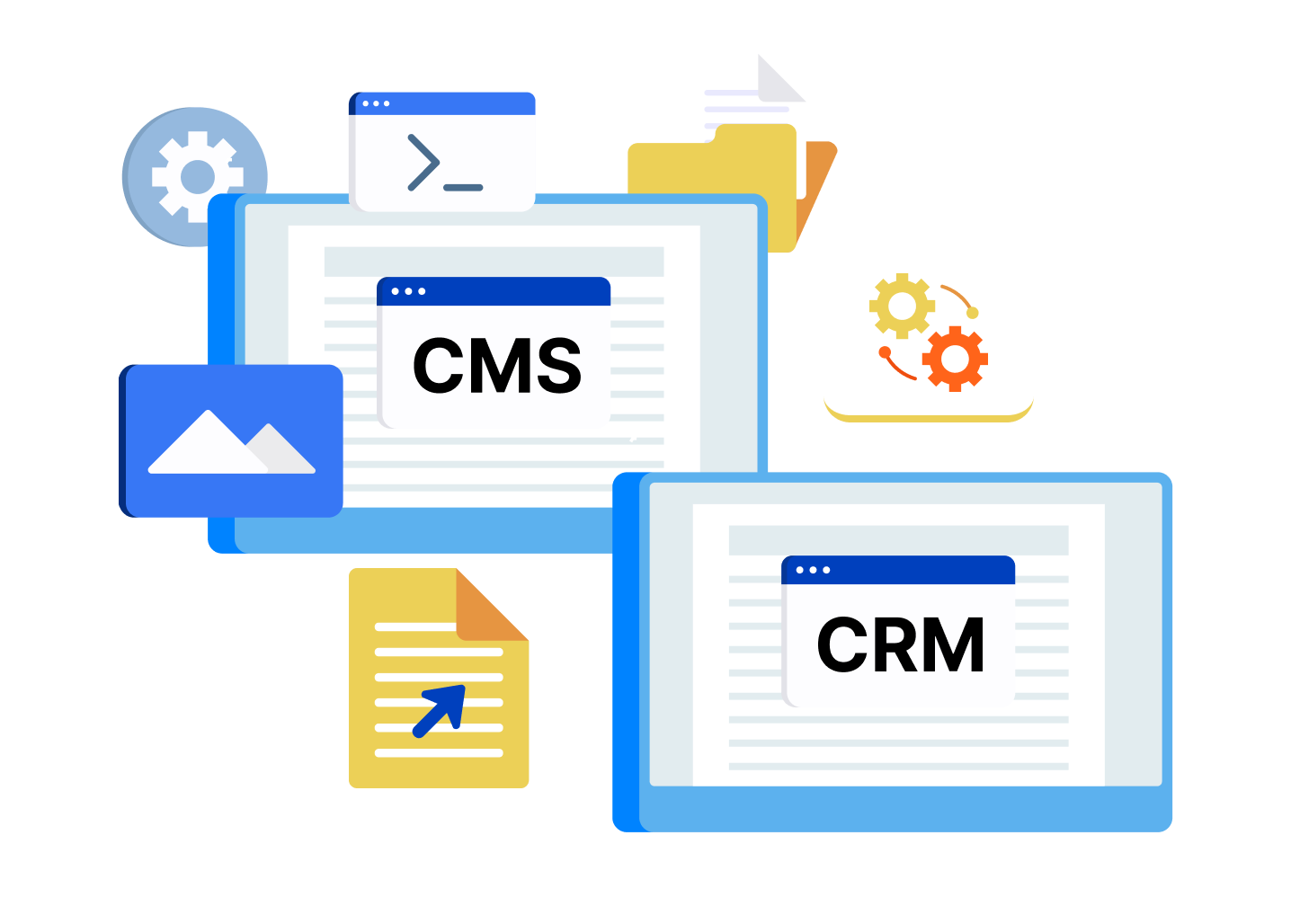
While the functions of CMS and CRM are different, they deliver exceptional results when integrated together.
Here are some real-world scenarios where CMS and CRM integration prove fruitful:
- A visitor on your website fills out a form through a CMS-powered website. This data is transferred to your CRM system to store the customer details for future marketing needs.
- Customer data is collected through CRM, which is sent to the CMS for personalized recommendations.
- You can use a CMS platform to study user behavior. CRM identifies high-intent leads using the collected data.
Key Features of CRM Systems
- Contact management: Enables simple and efficient management of all the contacts and customer details.
- Sales pipeline tracking: Gives a clear view of every stage of the sales pipeline, ensuring a transparent tracking of each deal.
- Automation capabilities: The majority of repetitive tasks, like emails and updates, are automated to save time and resources.
- Reporting and analytics: Gives deeper insights into sales, customers, performance, and market trends.
Key Features of CMS Platforms
- Content management: Makes creating, editing, modifying, and publishing website content effortless with a content editor.
- User roles and permissions: Easily manage access levels for different users at different stages.
- SEO capabilities: Optimizes your website content to meet the SEO requirements for higher search engine rankings.
- Flexibility and scalability: CMS tools can be upgraded, customized, and scaled based on your requirements.

Benefits of Integrating CRM with CMS
CRM and CMS integration does wonders for businesses that want to excel in the market. It basically links your website content with the customer data. Together, both platforms come together to create a powerful tool by ensuring your staff gets all the information in one place.
Centralized customer data
Bringing together your CRM and CMS is a game-changer! It means all your customer info gets stored in one seamless system. From their website visits to their purchase history. This prevents data silos, and your team gets a complete view of each customer.
With reliable and up-to-date information at your fingertips, businesses can make smarter decisions, enhance their targeting, and cut down on mistakes or duplicate entries.
Improved personalization
With a direct and smooth flow of customer data, CMS can send personalized offers and recommendations to the users. This helps in creating tailored product recommendations, personalized emails, and enhances the overall user experience.
Better lead nurturing
When it comes to better lead nurturing, integration is key. It helps businesses keep an eye on user behavior and automatically send follow-ups when needed.
CMS-CRM integration helps in segmenting leads based on user actions, which enables companies to communicate in a more targeted way, effectively guiding potential customers through the sales funnel.
Higher conversion rates
Creating personalized experiences and engaging with leads at the right time can significantly boost the likelihood of turning them into customers.
CMS-CRM integration gives a clear list of the users who show strong intent towards a company’s service or product, and businesses can divert their efforts towards converting them more quickly.
Streamlined workflows
Streamlined workflows are all about making things easier. Automation helps companies cut down on the manual work involved in syncing data, updating records, and launching campaigns.
This not only boosts team efficiency but also keeps everything consistent, letting teams concentrate on strategy instead of getting bogged down by repetitive tasks.
What Happens When You Integrate CRM with CMS?
Before we move deeper into this guide, it is important to understand what actually happens when you integrate CRM with CMS.
- Data exchange between systems: When data is collected by your CMS-driven website, it flows between CMS and CRM, creating a solid path for information gathering and sharing. User interactions happening on your website, like form submission, page visit, or purchase, are collected by the CMS and sent to CRM. This way, all customer profiles are constantly updated, and new ones are created in real-time.
- Example: A CMS form is filled by a user > Data is sent to the CRM > Automated data processing and storage happen > Stored data is used for Sales and Marketing
Impact on marketing and sales alignment: Integration acts as a vital link between marketing and sales teams. Marketing gets a clearer picture of what unfolds after leads are generated, while sales teams gain insights into the customer’s journey prior to making contact.
This collaboration fosters consistent messaging, enhances lead qualification, and ultimately paves a smoother path for conversion. It also minimizes friction between teams by promoting shared objectives, real-time data sharing, and improved communication.
With the right and updated information, businesses can respond more swiftly to customer needs and develop a more unified and effective growth strategy.
Also read: Craft CMS vs. WordPress: Which Is the Better CMS For Your Business
Types of CRM and CMS Integration
The world of CRM and CMS integration is diverse, with 3 major types:
- Native integrations: These are like plug-and-play connections that come built right into the platforms. The best part is that they do not require any coding to set them up! They are pre-configured to work together smoothly, allowing businesses to quickly link their systems and start syncing data without diving deep into technical details. This makes them a perfect fit for small to mid-sized teams.
- Third-party tools (middleware): These are third-party tools, often referred to as middleware. They act as a connecting bridge that connects your CRM and CMS. They provide the flexibility and scalability that many businesses need, often supporting multiple applications. This means you can automate workflows across different systems with ease.
- Custom API-based integration: This approach is all about tailoring the connection to your specific needs. Developers use APIs to create a unique integration that offers maximum control, advanced features, and scalability. It is particularly beneficial for larger enterprises that have complex requirements and unique workflows.
Step-by-Step Guide to Integrating Your CMS with a CRM
1. Popular CMS Platforms You Can Integrate
You can choose from a wide range of CMS platforms to add to your website. While there are numerous options, it is always wise to go for popular and reliable ones.
- WordPress: WordPress powers 60% of the global CMS websites, and is widely known for its customization, theme library, and smooth CMS setup.
- Drupal: Drupal provides a secure CMS platform along with advanced customization. It is ideal for large and content-heavy websites.
- Joomla: Joomla is popular for providing built-in features and supporting multi-lingual content. It is best for medium-scale websites.
- HubSpot CMS: HubSpot offers advanced customization, smooth content management, and personalization.
2. Popular CRM Systems to Consider
Here is a list of the best CRM systems you can choose for your business:
- Salesforce: A market-leading CRM known for its advanced automation, customization, and powerful analytics. It is ideal for enterprises looking to scale operations and manage complex sales processes efficiently.
- HubSpot CRM: A user-friendly platform that combines CRM with marketing, sales, and service tools. It is perfect for growing businesses that want an all-in-one solution with strong inbound marketing capabilities.
- Zoho CRM: A budget-friendly and flexible CRM designed for small to mid-sized businesses. It offers a wide range of features, including automation, analytics, and multichannel communication.
- Microsoft Dynamics 365: A comprehensive solution that blends CRM and ERP functionalities. It integrates seamlessly with Microsoft tools, making it a strong choice for enterprises already using the Microsoft ecosystem.
3. Step-by-Step Integration Process
3.1 Define your goals
Identify what you want to achieve through CMS-CRM integration. Find out everything you need to make the integration happen, like data synchronization, lead management, or content personalization.
3.2 Choose CMS and CRM
Now comes the important part where you have to choose the most suitable CMS and CRM platforms for your website. From the list provided in the previous section, weigh the pros and cons of the popular CMS and CRM systems before making the final choice.
3.3 Select integration method
Based on your needs, decide whether you want to use pre-built connectors, third-party integration tools, or custom development. Make sure to pick the right method because this is where the actual integration begins.
3.4 Map data fields
While integrating, the CMS and CRM data fields will have different formats. It is essential to map these data fields for complete synchronization. Having a clear plan for data mapping will eliminate any chances of data loss.
3.5 Implement integration
After finalizing data mapping, you can move on to the integration phase. This can be done using native connectors, middleware tools, or even custom APIs. During this step, you will configure workflows, test the data flow, and make sure both systems are communicating smoothly.
A proper implementation is key to achieving real-time syncing, seamless automation, and a solid foundation for your marketing and sales operations.
3.6 Test and validate
Conduct multiple tests to ensure the integration was successful and no data was lost. Run performance, accuracy, and functionality tests before moving on to the next step. Here is a checklist of some important tests:
- Data synchronization test
- Field mapping validation test
- Form submission & lead capture test
- Duplicate data detection test
- Workflow and automation trigger test
- API response and error handling test
- Real-time vs batch sync performance test
- Data accuracy and integrity test
- User journey/end-to-end testing
- Load and performance testing
- Security and access control testing
3.7 Monitor and optimize
Once all the issues are addressed, monitor the integration for any sudden errors or performance drops. Fix all the errors if you notice anything unusual. Monitor the website for a few hours before closing the project.
4. Real-World Workflow Example
A typical CRM-CMS integration might work behind the scenes, but it is crucial for turning visitors into customers. Let us look at a real-world example.
When someone visits your website and fills out a contact form, the CMS quickly captures that information. This data is then sent to the CRM, where a new lead profile is automatically created with all the important details.
As soon as the lead is in the system, an automated email goes out, which could be a welcome note, a confirmation, or a link to download a resource.
Meanwhile, the sales team is notified of the new lead, along with context on the user’s activities and interests. This enables them to reach out with a personalized touch instead of a generic sales pitch.
The whole process unfolds in real time, minimizing manual work and making sure no opportunity slips through the cracks.
5. How to Choose the Right Integration Method
You must be wondering which integration method delivers 100% positive results. Allow us to first explain the three main methods before you make your decision:
5.1 Plugins
The simplest method that integrates CRM and CMS within minutes, in just a few clicks. Plugins are ready-to-install tools that automate the integration process without requiring you to code.
Pros: Quick, cost-effective, automated
Cons: May not always be accurate
5.2 Third-party tools
These tools work as connectors between CRM and CMS tools, and automate the integration process without expecting you to code, much like the plugins. However, they are more flexible and accurate.
Pros: Super fast, highly flexible
Cons: Can be expensive
5.3 Custom integration
This method offers advanced customization by enabling integration using APIs. Custom integration offers complete control over your CMS and CRM systems. It also makes your website and systems powerful enough to handle high data volumes.
Pros: Highly customizable, complete control, long-term stability
Cons: Expensive
Common Challenges With CRM-CMS Integration and How to Solve Them
Linking your CMS and CRM saves you from the overwhelming usage of countless tools. However, the integration should be properly done to reduce any errors and issues. We have compiled a list of the most common challenges developers and integration experts face:
Data synchronization issues: Data in CMS and CRM is stored differently, following completely distinct structures. If not done correctly, you can face major data inconsistencies.
What to do?
Maintain a single source to store the data from where both the platforms can update and access it in real-time.
Security concerns: When you connect multiple systems, the risk of data breach, hacking, and other cyberattacks increases because of the increased access points. This puts customer data and other sensitive information in jeopardy.
What to do?
Maintain all regulatory standards and implement role-based access control so that only the concerned staff gets access to the personal information.
Integration complexity: You might face certain technical challenges like slow synchronization and incorrect API management since integrating two systems can be complex.
What to do?
Hire a CRM-CMS integration expert to handle such complexities.
Cost considerations: Many businesses dive into the integration process without considering the overall cost of the service. Unmanaged budgets can lead to unexpected pricing and last-minute spends.
What to do?
Create a solid budget plan highlighting all minor and major pricing factors. Consider integration service costs, customization costs, subscription costs, and other related expenses.
Real-World Use Cases
Integrating a CMS system with CRM is a wise choice. It not only minimizes your workload but also helps in serving the customers with more accuracy and speed.
But not all businesses use such integrated systems the right way. In case you are planning to hire a CMS-CRM Integration service, here are some real-world examples that can help you better understand the power of fusing two important tools:
E-commerce personalization
Online shoppers have distinct needs, and that is where personalization helps. When your CRM and CMS systems are integrated, you gain real-time information about customer preferences.
For instance, a user might search for a ‘black tote bag’, which can be captured by your CMS form. This data is sent to the CRM system, which can draft a personalized email with the best-selling ‘black tote bags’.
B2B lead management
B2B lead management is all about making connections easier. CRM and CMS integration helps businesses effectively capture, track, and manage their B2B leads.
Whenever a potential client engages with your website, their information is automatically saved in the CRM. This allows sales teams to access detailed insights about the company, their behavior, and interests, which leads to more personalized outreach.
Plus, it helps prioritize high-quality leads, speeds up sales cycles, and ensures consistent follow-ups, so no opportunities are missed.
Marketing automation workflows
Marketing automation workflows are a game-changer! When you integrate your CRM with your CMS, your marketing efforts become not just smarter but also more data-driven.
Imagine this: user actions on your website can automatically trigger responses like emails, retargeting campaigns, or personalized content suggestions.
The CRM does the heavy lifting by segmenting users based on their behavior, making sure that every prospect gets the right message at the right time. This not only cuts down on manual work but also boosts engagement and conversion rates.
This also helps businesses keep a closer eye on how their campaigns are performing, fine-tune their strategies, and send out timely messages that help guide users along their buying journey.
User visits website > Views product/service > Fills form/downloads content > Data stored in CRM > Lead segmented > Automated email triggered > Follow-up campaign (ads/email) > Lead nurtured > Conversion
When Do You Need Custom CRM-CMS Integration?
Many modern businesses need Custom integration of CRM and CMS. All brands are different and their requirements vary. Having a custom solution ensures successful results and high security compliance.
This model is chosen when the pre-made integration services deliver limited growth. Other scenarios include:
Complex workflows: Businesses that follow complicated workflows need custom integration for CRM and CMS. This helps in smooth flow of data and delivers results with improved efficiency.
Multiple tools/platforms: When businesses use different marketing, sales, and customer support tools, it leads to data duplication. But these platforms are connected through custom integration, providing more accuracy and efficient operation work.
Scaling business needs: Custom integration connects all the platforms, which becomes beneficial for businesses with growing needs. A CMS CRM integration makes your centralized system capable of handling long-term growth and heavy data processing.
Why Choose PSDtoHTMLNinja for CRM & CMS Integration
CRM and CMS Integration is a complicated task requiring technical expertise. Data synchronization and system setup need attention to detail, which is only possible when you are assisted by a professional CRM CMS Integration company.
PSDtoHTMLNinja is a reliable and experienced custom web development agency available to serve you round the clock.
We have worked in the industry for 13+ years, and our team consists of API integration specialists, website developers, high-end coders, and proactive project managers.
You can choose any of our services and leverage our flexible engagement models at reasonable costs. Our fast turnaround time makes us a suitable choice in the market.
Contact our team for a Free Consultation!
Transform Your Website into a Growth Tool
Managing a growing online business is an art. It not only requires the right resources but also demands time and expertise. CMS-CRM Integration is no longer something that online businesses can avoid.
Businesses focusing on time-efficient and lead-driven methods to enhance customer relationships, generate more leads, and boost their sales & marketing numbers should turn towards CRM and CMS Integration.
Investing in a well-planned and structured strategy like this one keeps your business going in the right direction and brings the best results with long-term performance and swift alignment between teams.
FAQs on CRM CMS Integration
1. What is CRM and CMS integration?
Integrating or merging a CRM system and a CMS platform is called CRM-CMS Integration. This helps in real-time data exchange, which elevates the customer experience by delivering personalized recommendations. Other benefits include better marketing, lead generation, and analytics.
2. Which CRM works best with CMS?
The choice of CRM depends totally on your requirements, preferences, and budget. For example, Salesforce CRM works best for sales-driven CMS. If you rely heavily on the Microsoft ecosystem, then Microsoft Dynamics is your go-to option.
3. How much does integration cost?
The actual integration cost depends on numerous factors, such as the kind of CMS and CRM systems you want. Other factors include whether you prefer native, plugin, third-party, or API integration.
4. Is custom integration better than plugins?
While the choice depends on your needs, custom integration should be preferred over plugins because it leaves room for advanced Customization.

Jayveer Ker serves as the Business Development Manager at PSDtoHTMLNinja.com, specializing in assisting organizations with overcoming web development hurdles. His insightful and informative posts deliver practical solutions and valuable insights.
Couldn't find what you were looking for?
Let us know how we can help!

Related Blog Posts