Table of Content
Having an eCommerce store is highly necessary in today’s time, when 80% of shoppers make purchases online. Your brand needs a solid online presence with a platform that’s easy to manage and user-friendly.
WooCommerce offers a decent choice for small businesses that have just started out. The platform is actually powered by WordPress and has various other benefits. But it can be difficult to set up and use with a larger audience.
Shopify, on the other hand, is a more versatile and easier-to-manage platform with better customization options. It is a fully-hosted platform that saves you from the hassle of technical development and store setup.
This is where WooCommerce to Shopify migration helps businesses. In this guide, you will learn to smoothly transition from WooCommerce to Shopify.
The guide compiles information on the different migration methods, the step-by-step process, and how you can transition without losing the SEO and traffic.
What Is WooCommerce to Shopify Migration?
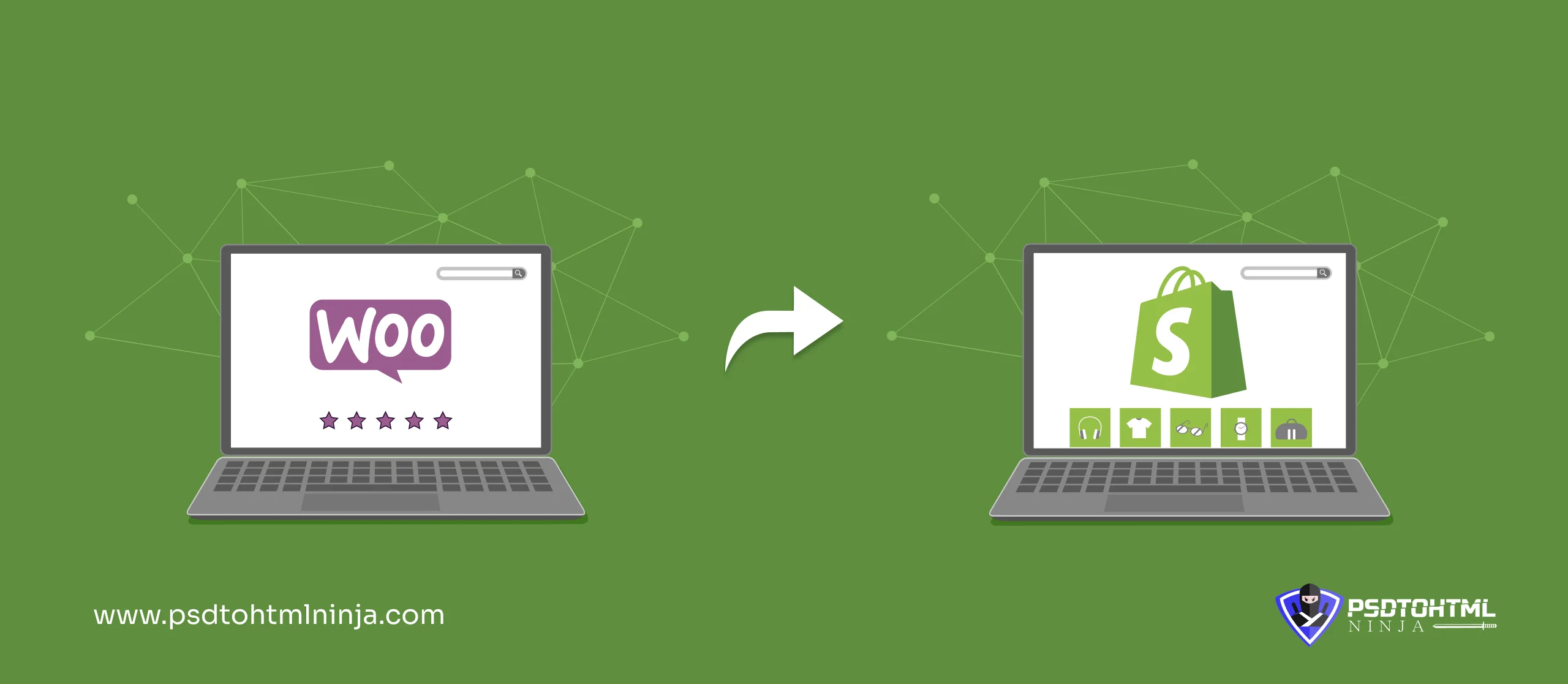
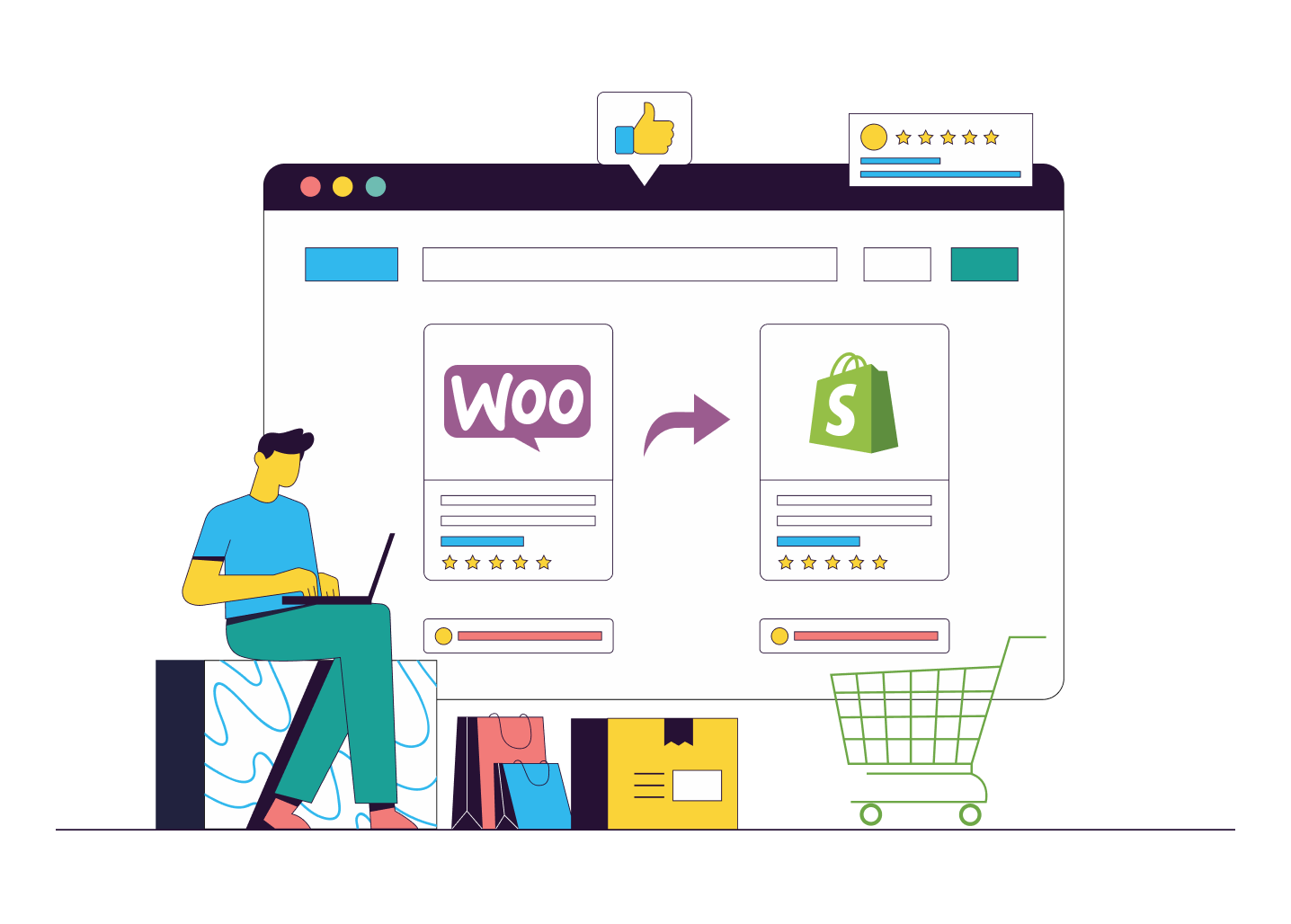
When you move your online store from WooCommerce (WordPress) to Shopify, that means you are transferring all the important data, files, and the entire database to a new platform.
During the migration, the design and functionality of your eCommerce store are also moved to Shopify, leading to a smooth transition.
Here is a detailed list of things that you can migrate:
- Forms, customer details, and cart details.
- Order history, payment history, and vendor details.
- Blogs and articles.
- Images, videos, and other media files.
- Design, layout, website structure, etc.
Why Businesses Are Moving from WooCommerce to Shopify in 2026
Online businesses need a powerful and manageable CMS that can handle large traffic requirements. eCommerce businesses run in a fast-paced environment where trends change in the blink of an eye.
While your brand focuses on important business decisions, your online store should be easily manageable. That is the exact reason why eCommerce business organizations turn towards Shopify.
The platform does not require excessive technical knowledge, and it offers fully managed hosting along with automatic security patches.
Performance & Speed Limitations
WooCommerce has a slightly complicated and heavy structure, which eventually affects its loading speed and performance. WooCommerce stores require plugins and performance optimization to perform at full throttle.
Shopify, on the other hand, is created on a global CDN and automatically optimizes images on your website. Most of the functionality aspects are managed by Shopify, giving relief to teams with limited technical knowledge. The loading speed of Shopify websites is also fast because of its light weight.
Plugin Dependency & Maintenance Overload
WooCommerce greatly depends on plugins and third-party tools for marketing, payment gateways, and SEO. This depletes the website's performance by overloading it with multiple servers and tools.
Shopify is preferred because it comes equipped with built-in features. It handles most of the technical aspects through its structured ecosystem, hence making it a better option for businesses wanting a super-fast and powerful eCommerce store.
Security & Hosting Challenges
WooCommerce is self-hosted, which means the security responsibility lies with the business. The better you manage your store, the tighter the security.
Shopify offers fully responsible security by handling security patches with automation, installing automatic updates, and even providing protection of servers. Shopify is a full package of security when it comes to safeguarding your eCommerce store.
Scalability for Growing Stores
WooCommerce is a suitable choice for mid-sized businesses and startups with lower traffic handling. Since most of the functions in WooCommerce stores are manual, managing the higher traffic levels becomes complicated and time-consuming.
Shopify automatically switches its mode when the traffic increases without requiring any manual intervention. It keeps everything running smoothly without any need for manual intervention. This means you have more flexibility for scaling up and expanding your e-commerce store.
| Feature | Shopify | WooCommerce |
|---|---|---|
| Performance | High and consistent | Depends on hosting |
| Plugin Dependency | Minimal dependency | Heavily relies on plugins |
| Security & Hosting | Fully managed hosting and automatic security updates | Separate hosting is required; security depends on the hosting |
| Scalability | Completely scalable | Scaling depends on server upgrades |
WooCommerce vs Shopify: Key Differences
| Factor | Shopify | WooCommerce |
|---|---|---|
| Hosting | Fully-hosted with built-in hosting | Self-hosted, requires security patches to be installed manually |
| Updates | Automatic updates | Manual updates |
| Plugin Library | Curated store with third-party apps | Extensive WordPress plugin library |
| Website Speed | Optimized performance | Speed and performance depend on hosting |
| Security | Built-in security | Security managed by the user |
When Should You Migrate to Shopify?
When do you move from WooCommerce to Shopify? The answer depends on a number of factors. For example, your current WooCommerce store might not be able to handle your growing traffic. Other scenarios include when manual setup and store management become time-consuming.
We have listed down more such scenarios where migrating to Shopify benefits you:
Expensive Customizations: WooCommerce offers extensive customization options, but they are costly. You might find yourself hiring developers, buying premium plugins, and dealing with ongoing maintenance costs, which can add up over time.
On the flip side, Shopify comes packed with a variety of built-in features, themes, and apps that cut down on the need for extensive custom development, helping businesses keep their expenses in check.
Difficulty in Managing Large Stores: As your store expands, juggling thousands of products, orders, and customer data in WooCommerce can get pretty complicated and resource-heavy.
Shopify makes managing large-scale stores a breeze with its user-friendly dashboard, bulk product management, and handy automation tools, allowing you to handle high volumes with ease.
Frequent Technical Issues: WooCommerce users often run into problems like plugin conflicts, site crashes, or features breaking after updates.
Shopify takes these headaches away by providing a stable, fully managed environment where updates and maintenance are done automatically.
Limited Technical Resources: If your business doesn’t have a dedicated tech team, managing hosting, updates, and troubleshooting in WooCommerce can be a real challenge.
Shopify eliminates this worry by offering a no-code platform that is easy for anyone to use, letting non-technical users run and grow their stores without getting too deep into the technicalities.

What Data Can Be Migrated from WooCommerce to Shopify?
Data is a crucial part of your eCommerce store, and it can be easily lost during migration if not preserved properly. Let us see what data can be transferred when you migrate to Shopify:
- Product titles, descriptions, images, inventory levels, tags, etc.
- Customer details like contact numbers, name, billing and shipping addresses, etc.
- Order data like order summary, refund and return history, payment, and transaction details.
- Web pages, content, blog posts, categories.
- SEO data, store navigation, internal linking.
- All other media files
Read this: Website Migration Cost: How Much Does It Cost to Migrate a Website?
WooCommerce to Shopify Migration Methods
Are you looking for a reliable method of moving your WooCommerce store to Shopify? You can choose from 3 different approaches based on your requirements, budgets, and preferences.
Professional Migration Service
This approach involves hiring a reliable and professional Shopify migration company for the job. The method is super convenient for stores that want to focus on the business rather than getting stuck in the technical intricacies of store development.
These migration agencies assign a team of experts to your project, consisting of developers, designers, and coders. You receive timely solutions and regular project updates with this procedure.
- Pros: Error-free migration, optimized Shopify store, fast loading speed, security, high-level customization, SEO preservation, and expert assistance.
- Cons: Expensive and time-consuming.
Automated Migration Tools
Automated migration tools consist of plugins that are designed for quickly transferring eCommerce stores to a new platform. Plugins are fast, as you follow a few steps, and the entire migration is completed within minutes.
- Pros: Time-efficient, accurate most of the time, theme and template plugins available.
- Cons: Chances of data loss, SEO preservation may not be accurate.
Manual Migration (DIY)
This is a step-by-step method where the complete migration is done manually. You need deep technical knowledge of migration and good coding skills to manually migrate an eCommerce store.
From downloading or exporting the files to importing and customizing them, the process is done manually.
- Pros: Easily customizable, expert work if done by a professional
- Cons: Time-consuming, prone to errors
Step-by-Step WooCommerce to Shopify Migration Process
Now comes the important section where you learn about the steps to migrate WooCommerce to Shopify. This is a detailed process, and every step is critical for a smooth migration.
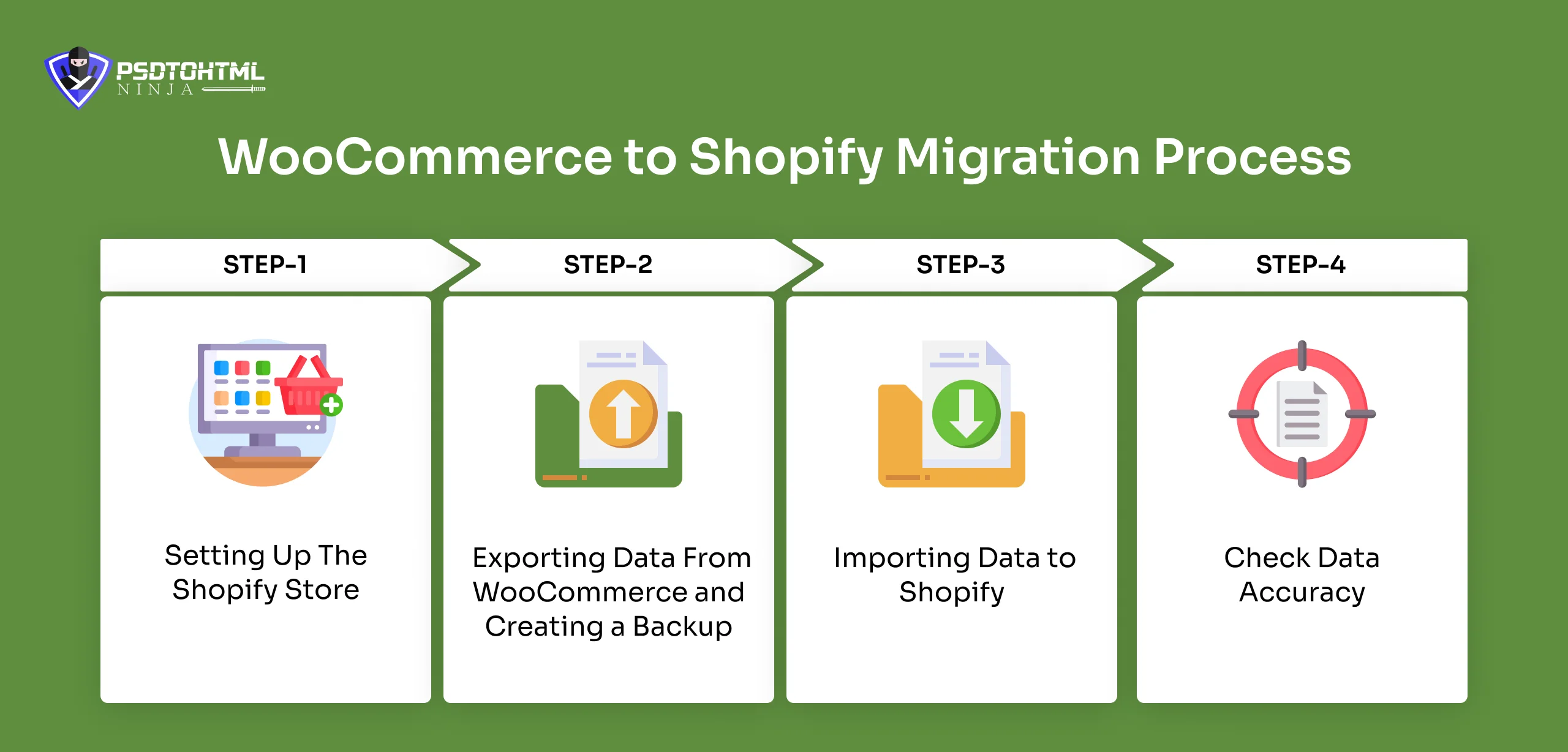
Step 1: Setting Up The Shopify Store
The process starts with setting up the Shopify store, where all your data will be migrated. Follow the steps below to ensure your Shopify store is ready:
- Sign up for a Shopify account and select your preferred plan.
- Choose a theme from the Shopify Theme Store that matches your brand profile and is mobile-friendly.
- Configure essential store settings like currency, taxes, payment gateways, and shipping zones
Step 2: Exporting Data From WooCommerce and Creating a Backup
- Go to the WooCommerce dashboard
- Select Tools > Export
- Follow the individual steps to export customers, orders, and products.
- Export the CSV files and double-check all the data.
Step 3: Importing Data to Shopify
Now you have to import all the exported data to Shopify.
- Go to Shopify Admin > Apps > Store Importer
- Upload the exported WooCommerce files
- Map each WooCommerce field to the correct Shopify field.
Note: Hire a professional migration expert for large store migration.
Step 4: Check Data Accuracy
This step is critical to ensure all the saved data was properly migrated, and your new store has everything it needs.
- Check all the URLs and make sure each URL is linked to the current page.
- Check all the product details, customer information, and other details properly.
- Make sure the store is mobile responsive.
Step 5: Customization and Final Checks
Now that all the basic functionalities are added and your store is all set up. It is time to make the final edits.
- Set up your navigation menus, collections, and the sections on your homepage.
- Set up your payment gateways and run some test transactions.
- Install Shopify apps that can either replicate or enhance the functionality of the WooCommerce store.
Also read: CMS Migration Checklist (2026) for Smooth Website Migration
SEO Checklist for WooCommerce to Shopify Migration
Your search engine rankings and online traffic play a key role in your business success. Migration poses a great risk to the SEO strategy you implemented in your WooCommerce store.
It is necessary to follow the right rules and proper steps for SEO preservation. Here is a quick SEO checklist to protect your online search engine rankings:
- SEO audit in WooCommerce: Before you make the big move, it is crucial to conduct a thorough SEO audit before migration. Take a close look at how your current website is performing and identify your top-ranking pages, high-traffic keywords, backlinks, and indexed URLs. This will help you pinpoint what needs to be kept intact.
- URL Mapping: Next up is about mapping old URLs to new ones. It is essential to create a solid URL mapping plan and set up 301 redirects from your WooCommerce URLs to the corresponding Shopify pages. This avoids any broken links and prevents losing your hard-earned rankings.
- Site Structure: Try to maintain your site structure. Keeping your navigation, category hierarchy, and URL structure similar will help minimize disruption for both your users and search engines.
- Migrate Metadata: Make sure to transfer all the important SEO elements, like meta titles, descriptions, alt texts, and header tags, to keep your content relevant and maintain your rankings.
- On-page SEO: Optimize your on-page SEO by refining your keywords. You can also enhance content quality and address any duplicate or thin content issues.
- Update your internal links: Ensure that all internal links point directly to the new Shopify URLs instead of relying on redirected links. This will boost your crawl efficiency and keep everything running smoothly.
Common Migration Mistakes to Avoid
Migrating from WooCommerce to Shopify can really boost your store's performance and scalability, but it’s crucial to do it right. Here are some common pitfalls to avoid for a seamless transition:
Never skip a full data backup: Always make sure to secure your WooCommerce data before diving into the migration.
Focus on SEO elements: Missing 301 redirects or metadata can seriously hurt your traffic.
Incomplete data migration: If you don’t check, products, orders, or customer data might not transfer correctly.
Test the store: Neglecting to test checkout, payments, and navigation can negatively affect user experience.
Mobile optimization: Ensure your Shopify theme works well on all devices.
Plugin dependency gaps: Failing to replace WooCommerce plugins with Shopify apps can disrupt functionality.
WooCommerce to Shopify Migration Checklist (Quick Summary)
Migrating from WooCommerce to Shopify? Here’s a handy checklist to make sure everything goes smoothly and without any expensive hiccups.
- Start by auditing your current store to pinpoint the data, plugins, and features that need to be moved over.
- Don’t forget to back up all your store data, including products, customer info, orders, and media files.
- Choose the migration method that best fits your store’s size and your technical know-how.
- Export and transfer all the essential data to Shopify accurately.
- Implement SEO best practices, like 301 redirects and optimizing your metadata.
- Test the checkout process, responsiveness, and site speed.
- Connect your domain before launching.
- After launching, keep an eye on your store’s performance and address any issues that pop up right away.
DIY vs Professional Migration: Which One Is Right?
The DIY migration method for migrating to Shopify involves manual work. Everything from data backup to Shopify store setup is done manually.
Who can choose this method?
The DIY or manual method can work only for small stores with minimal data and low traffic.
Professional Shopify migration is done by trained and certified experts. The process can be expensive but gives the best results. You also save time as everything is done by the migration team.
Who can choose this method?
Large enterprises, mid-sized eCommerce businesses with high traffic flow, and large databases.
What’s New in WooCommerce to Shopify Migration (2026)
Automated Store Builder
Migration solutions are utilizing the power of artificial intelligence to fasten the process. You can use an AI store builder to quickly create a Shopify store that is greatly functional.
Shopify’s AI store builder provides functionalities like design layout, product descriptions, and FAQs. You can further modify this store as per your requirements.
AI Content Generation
Shopify offers a powerful tool called Shopify Magic that optimizes content. It quickly generates product descriptions, marketing content, and other website content, eliminating the need to separately migrate these entities.
Preserving Metafields
Certain new tools are available to map custom metafields from WooCommerce directly to Shopify format. This ensures accurate migration, reducing the risk of losing warranty information and design aspects.
Why Choose PSDtoHTMLNinja for WooCommerce to Shopify Migration
If you are planning to hire a professional Shopify development agency, then PSDtoHTMLNinja is your go-to partner. We have delivered numerous successful migration projects in the last 14 years.
Our team makes Shopify migration a smooth transition for your business while preserving SEO and website traffic. We professionally transform your eCommerce store by ensuring an error-free migration.
You can trust our experts for:
- 24x7 Support
- SEO Preservation
- Mobile responsiveness
- Fully Secure Migration

FAQs
1. Why should I migrate from WooCommerce to Shopify?
Shopify makes your store smooth and easy to manage. Compared to WooCommerce, it offers tighter security and customization. WooCommerce is a decent platform, but setting it up takes time and requires technical expertise.
2. How much does a WooCommerce to Shopify migration cost?
The cost of a WooCommerce to Shopify service is always fluctuating. It depends on your current WooCommerce store, data volume, customization requirements, etc.
3. Can you preserve my website’s SEO during migration?
Absolutely, we follow the best practices to transfer your SEO strategy and elements to a new platform. We conduct 301 redirects, URL mapping, and other similar techniques to preserve your SEO.
4. How do you minimize website downtime?
We initiate the migration during low-traffic hours. This ensures that your website’s online traffic is not affected. Our team also follows a low-downtime strategy that brings your website back live in the minimum time post-migration.

Prince Jadiya holds the position of Chief Marketing Officer at Psdtohtmlninja.com, where he assists organizations in overcoming web development obstacles. He is also known for him informative and engaging blog posts.
Couldn't find what you were looking for?
Let us know how we can help!