Table of Content
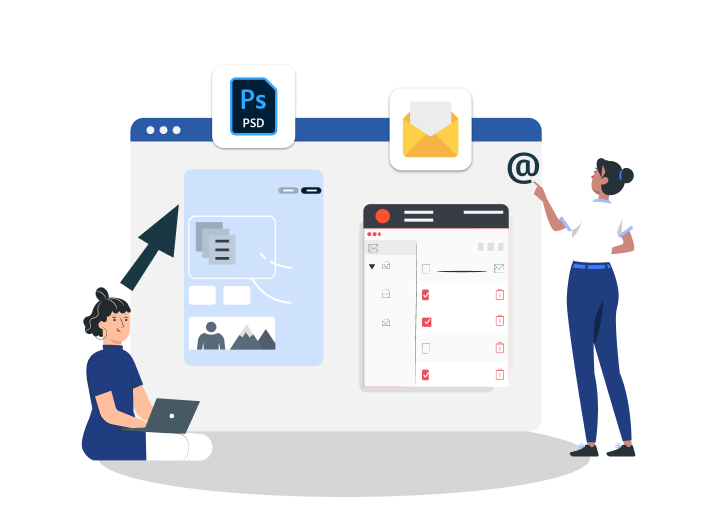
Bringing your static PSD mockups to life can be challenging. It requires attention to detail and technical skills. Explore the secrets to converting your PSD files into dynamic, fully functional HTML templates that engage and captivate your target audience.
Why Converting Mock-ups to Emails Is Challenging?
Transforming a stunning graphic mock-up into a functional email template is very challenging. While web browsers follow modern web standards, email clients are fragmented and generally depend on old rendering engines. The things that make this conversion process challenging are:
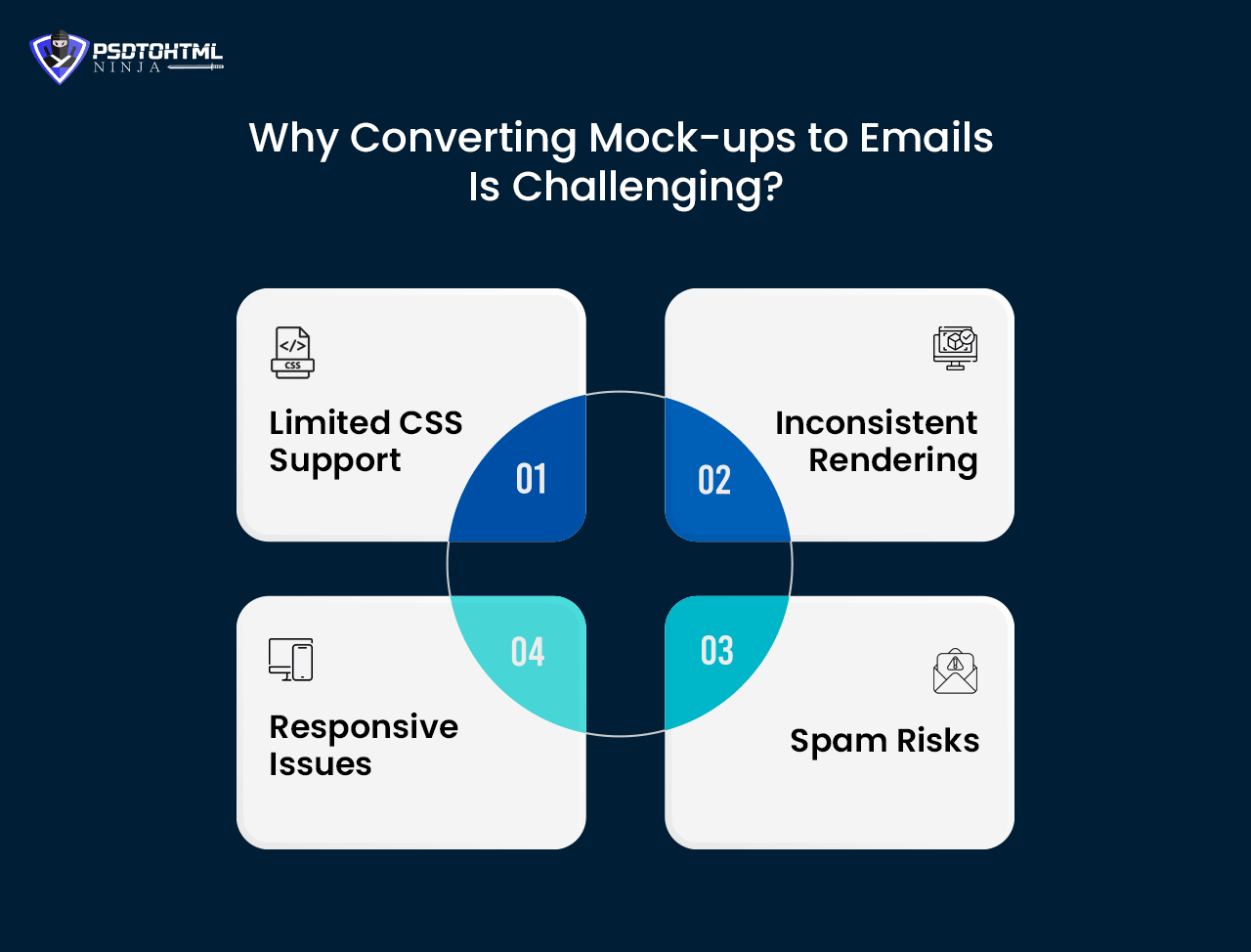
#1. Limited CSS Support
Most email clients have limited support for various CSS properties. That’s why properties like positioning, padding, margin, or floats may not work properly. Such issues can only be fixed using old methods, such as tables or inline styles.
#2. Inconsistent Rendering
Apple Mail, Gmail, Outlook, etc., utilize different engines to process CSS and HTML properties. A design that looks fine in one email client may appear broken in another client.
#3. Spam Risks
A poorly designed email with missing alt text, oversized images, or excessive customizations can be considered spam by email clients, and emails may land in the Spam or Junk folder.
#4. Responsive Issues
Making your emails appear good on both mobile phones and desktops can be very complex. This requires careful coding and the use of fallback methods.
If we talk about the old methods, they were very complicated. However, the introduction of modern technologies and tools has made the conversion process easier and faster. Check the section below to learn about the steps involved in this process.
Understanding the Basic Requirements for Converting PSD to Email Template
Before you begin the coding process, preparing the exportable PSD file and understanding some fundamental requirements is important. These are
Configuring Width
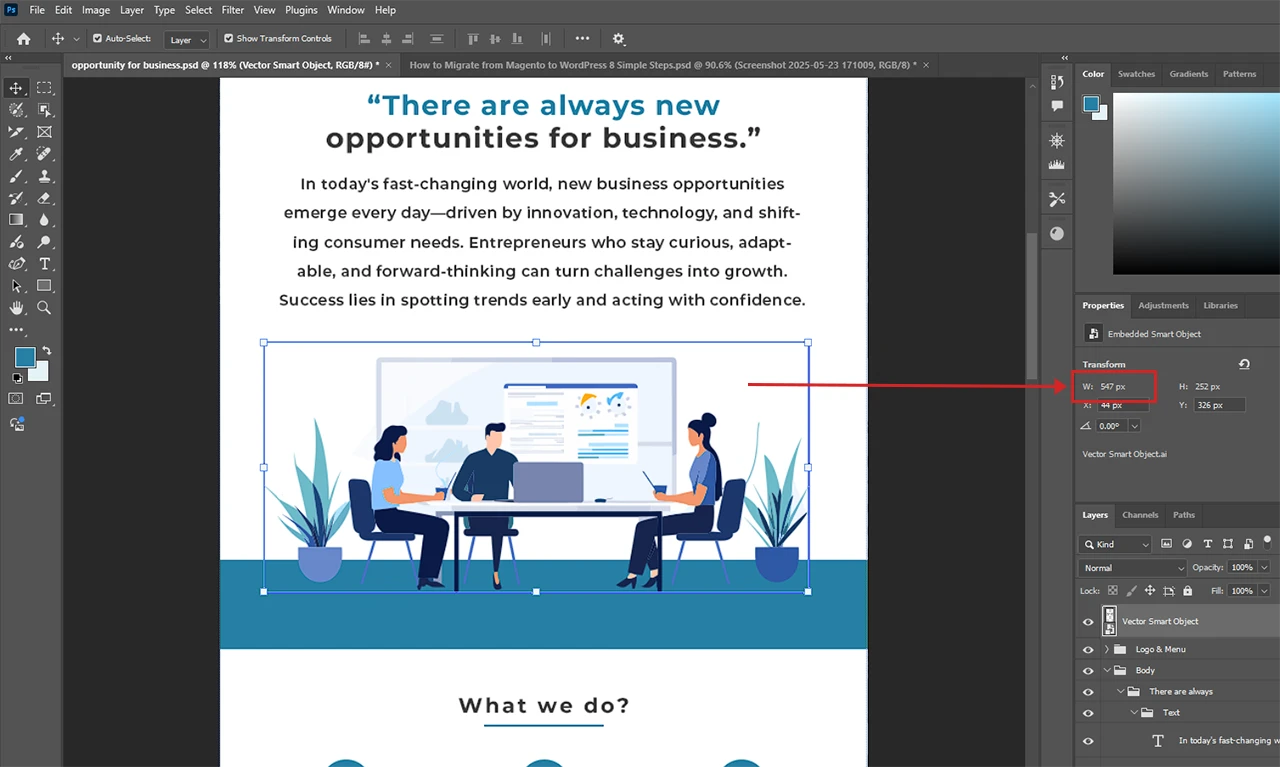
Email templates have a standard width to work correctly while avoiding horizontal scrolling. Keep the width between 600px and 800px. A 320px width would work well for a mobile layout. Don’t forget to use padding to eliminate misalignment or clipping of content.
Slices

While converting a PSD design, it is crucial to slice the design into small assets and decide how each section will be created using HTML tables. Slicing a PSD file involves detecting repeatable patterns, unique image elements, areas where you need to use live text, the header section, the body, and the footer.
Fonts
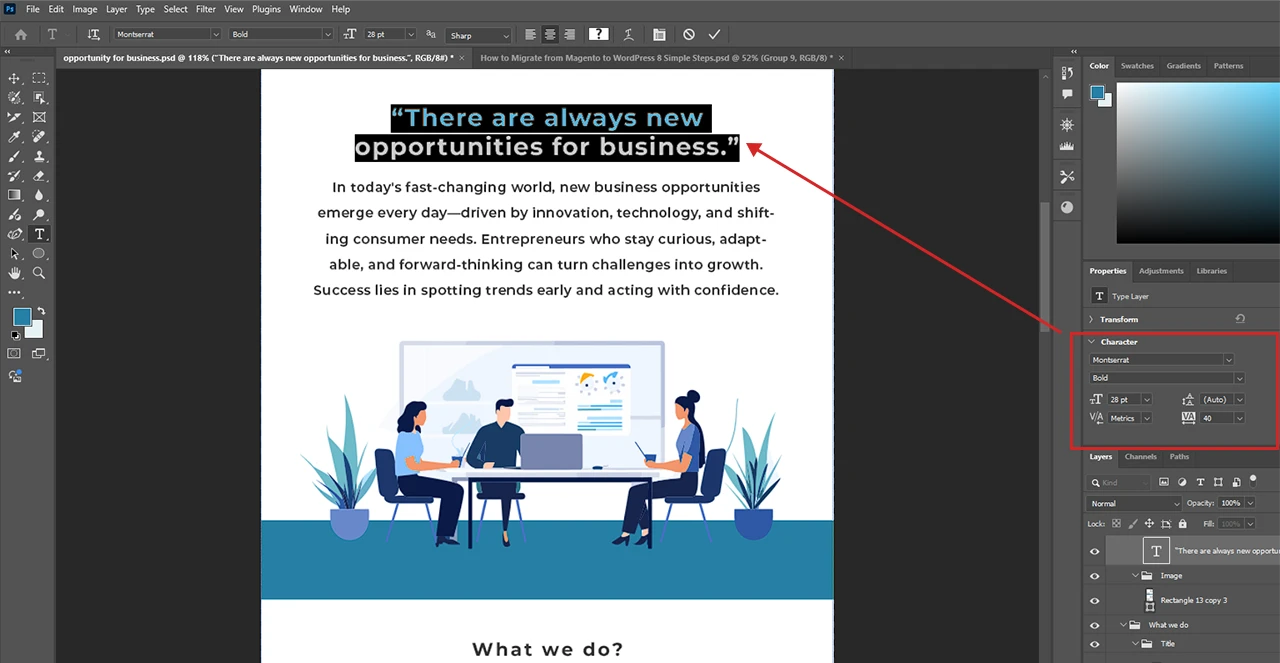
It is always advisable to use Web-Safe fonts with fallbacks (for consistency in branding). Some popular options are Georgia, Times New Roman, Helvetica, and Arial. Custom web fonts may not work with all email clients.
Images Optimization
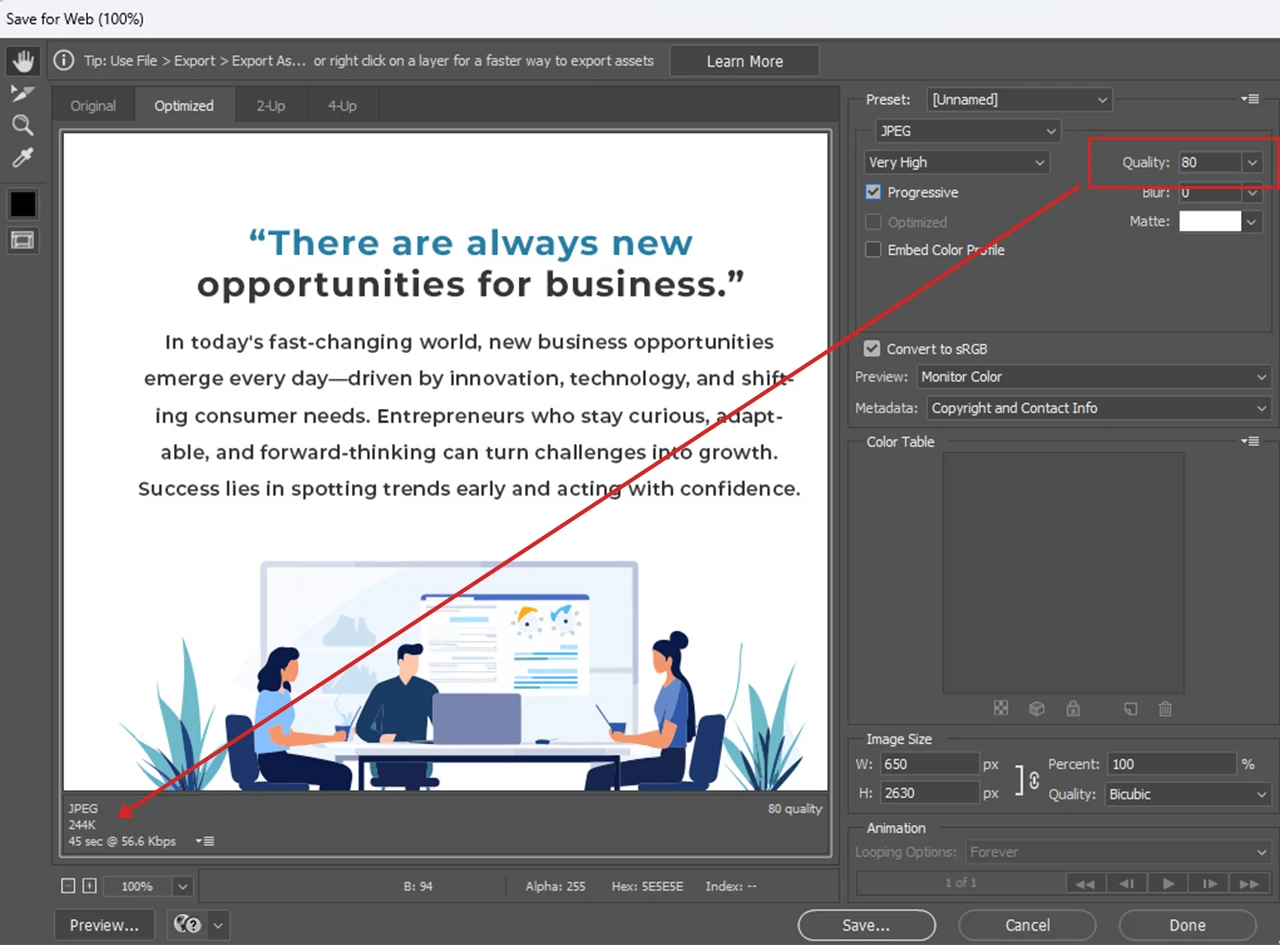
Optimize all images to ensure fast loading. You can compress them to maintain the quality while reducing the file size. CSS background images can be a great option. Furthermore, to ensure accessibility, it is crucial to use alt text for every image.
Once you are done with all these things, you can move ahead and convert PSD designs to email HTML templates.

Steps to Follow For Converting PSD to Email Template
The conversion process involves the following important steps:
Step 1. Exporting Your PSD File
Source
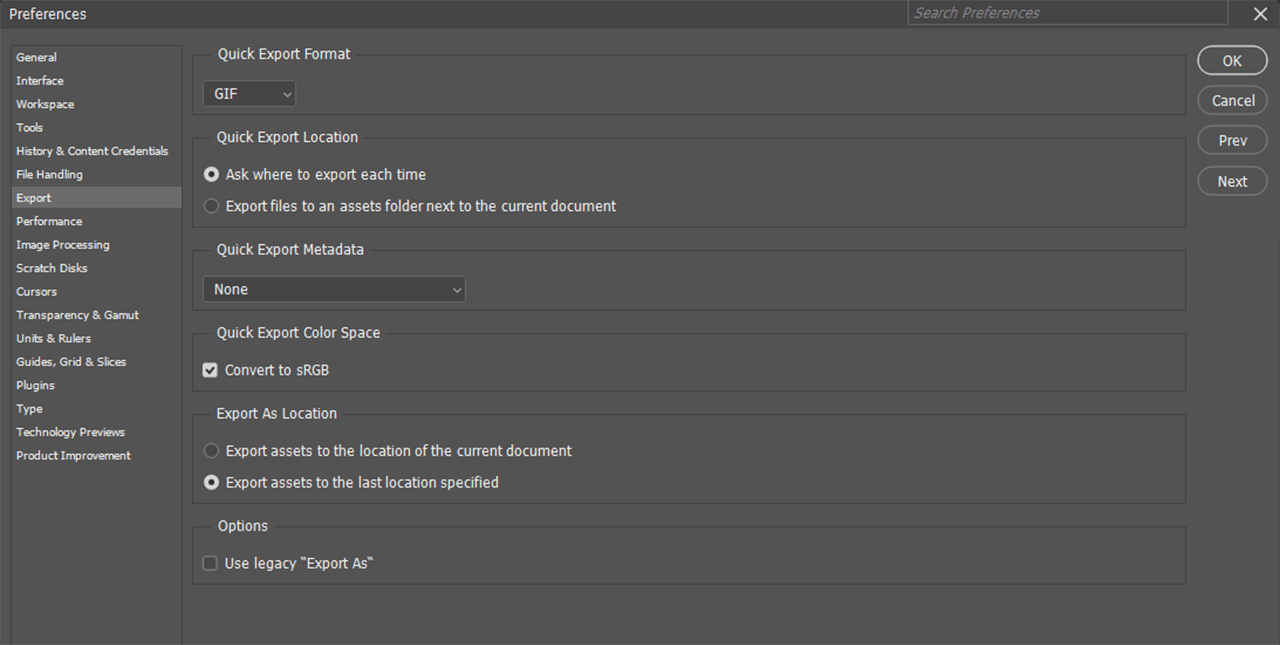
Exporting your PSD file to a different location is a straightforward process—just follow these simple steps:
● Open your PSD design in Photoshop.
● Now, use the built-in Slice Tool to slice the design.
● Once done, go to File and then click on the Export option.
● Choose proper formats, export location, etc.
Click on the Next option to export your file. If you choose the “Export As” option, you can export design files as per your preference.
Step 2. Coding the Email Structure

Once you are done with exploiting the required image files, you need to create a basic HTML structure. A <!DOCTYPE html> will be sufficient. Ensure that the HTML structure includes rows, cells, and tables. Inline CSS can be used to customize the elements.
Step 3. Adding Images
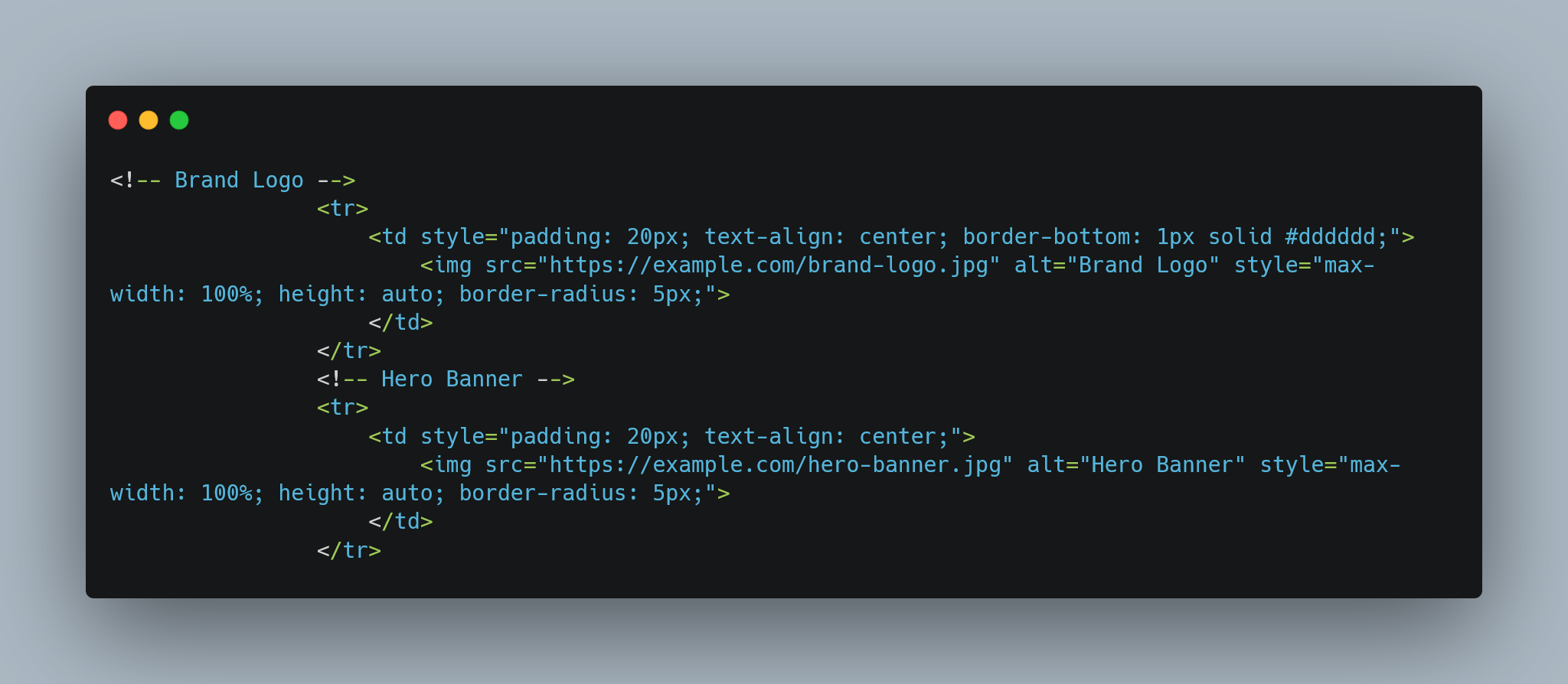
Now, it’s time to insert images (slices) into the HTML code. For this, you can use the <img> tag with proper width attributes. You can use absolute URLs as your image source to ensure emails are displaying correctly on different email clients.
Step 4. Styling The Email
As most email clients strip out <style> blocks, you should use Inline CSS. Add styles such as spacing, fonts, margins, padding, or colors inside the HTML code directly. This way, you can keep the design renders consistent on email clients.
Step 5. Testing With Different Email Clients
Before announcing it as a successful conversion, test your email templates. For this, you can take the help of tools such as Acid or Litmus. These tools will show how your new email will appear in email clients. Carefully check for broken links, loading speed, rendering consistency, etc.
Step 6. Optimization
Don’t forget to optimize some elements for smooth functionality. For example, minifying HTML as well as Inline CSS can lower the file size and increase speed. Use simple structures for smooth rendering.
Convert PSD to Responsive Email With PSDtoHTMLNinja
Even though the PSD to email conversion steps mentioned above are straightforward, you may face issues while coding. A small mistake can break entire templates. Besides, complex PSD designs are more challenging to convert into responsive templates.
If you want to ensure successful conversion and make your email campaign look good on all designs and in email clients, you can always count on PSDtoHTMLNinja. We are well-known for our hand-coded PSD to email HTML conversion service and can complete all projects on time. Some other major reasons to choose PSDtoHTMLNinja are:
● Use high-quality markups
● Offers SEO-friendly templates
● Inline optimized CSS
● 24x7 support
● Optimized page loading
● 100 percent guaranteed customer satisfaction
● NDA agreement
● 100 percent money-back guarantee
Conclusion
Converting PSD designs to responsive email HTML templates is a complex process that involves more than just technical tasks. The success of this conversion depends on a strategic approach. With a careful consideration of basic requirements, using proper coding methods, and carrying out comprehensive testing, you can ensure an appealing and functional email that can easily attract your target audiences. If you think the process is challenging, hire an expert like PSDtoHTMLNinja to do the job effortlessly.
FAQs
Is it possible to use Custom Fonts for email HTML Templates?
Even though it is possible, you should always use web-safe fonts as email clients have limited support for custom fonts.
How to Ensure Images Are Appearing Correctly in Email Clients?
Prefer to utilize absolute URLs and optimize all your images to avoid email delays. Using the proper format for images is also crucial.
How to Make Email Responsive?
Make sure that the layouts are structured correctly and use fluid tables to ensure the responsiveness of your email templates.
What is the Duration of PSD to email HTML Conversion?
It completely depends on the complexity of the project and your specific requirements. However, trusted service providers like PSDtoHTMLNinja can complete most of such tasks quickly, within one day.
Have a PSD design in hand? Please share it with our expert template production team today!

Prince Jadiya holds the position of Chief Marketing Officer at Psdtohtmlninja.com, where he assists organizations in overcoming web development obstacles. He is also known for him informative and engaging blog posts.
Couldn't find what you were looking for?
Let us know how we can help!

Related Blog Posts