Table of Content
The web design industry revolves around new and trending technologies. Figma and Adobe XD have remained two of the most popular and biggest names in the world of UX web design services. Businesses needing fresh and interactive websites need the help of expert developers who can convert their website design into a feature-rich website.
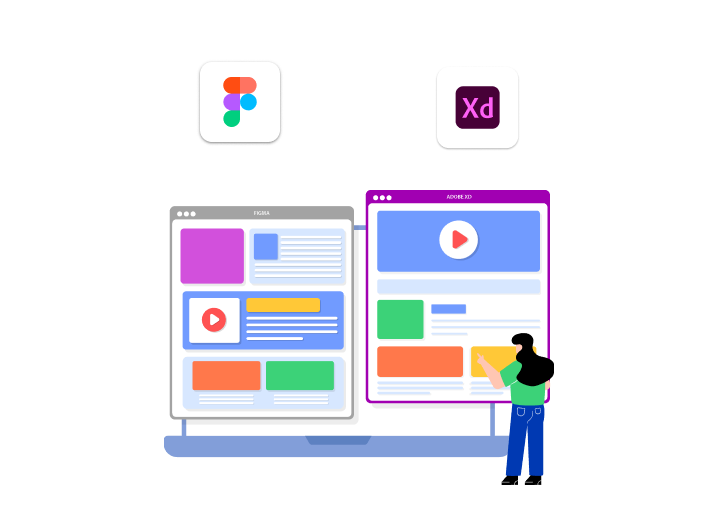
But the dilemma to choose between Figma and Adobe XD remains intact. Both platforms offer attractive benefits that make your website stand out with an intuitive UX design. Figma’s collaborative feature and easy interface make it a suitable choice. At the same time, Adobe XD offers live collaboration and the power of prototyping.
Before settling on a conclusion, let us first collect more information on Figma and Adobe XD. Whether you want to convert Figma to HTML or XD to HTML is your preference, this blog is equipped with the right information that will help you make the correct decision.
Basic Requirements For Web Designing
Creating a responsive web design is every designer’s dream. No matter the UX design platform you are using, certain prerequisites are necessary before beginning the design process. Having access to these things beforehand accelerates the web design process and gives you a clean and attractive UX design. Below is a list of information and tools you will need:
● Project details from the client
● Figma or Adobe XD subscription
● Reference details, if any
● CMS platform subscription
● Third-party integration tools
● Website hosting provider
What Is Figma?
Figma entered the market in 2016 with a vision of revolutionizing the web design domain. It is a cloud-based design and prototyping tool that allows designers to create website and app interfaces. The collaborative feature of Figma makes it a suitable option for designers who prefer to work in a team or remote setup. This further escalated during the pandemic when people were confined indoors.
Pros And Cons Figma
We have listed below all the benefits of using the Figma platform:

✔️ Collaborative Nature
As mentioned earlier, Figma has made real-time collaboration a seamless task. Developers and designers can simultaneously contribute to a project without going back and forth. Accessing the design file from anywhere helps experts share their feedback on the platform without having to chase each other online.
✔️ Reduced Digital Footprint
People are always looking for sustainable alternatives to save the planet. Working on Figma allows a real-time project-sharing option, which means you do not have to separately download the file to share with people. This reduces the digital footprint, thus giving an eco-friendly option to environmentally conscious web designers and clients.
✔️ Version History
It happens so many times that we add an element to our UX design, but it does not look good. Now, how do you revert to the original version? Figma has the option of version history, which allows you to ‘undo’ the change and access the older version. Designers can always go back to the previous version of the design to make changes.
✔️ Plugin Library
Figma offers a wide range of plugins and integrations that enhance design automation, asset management, and productivity. Its extensive library allows users to incorporate features like accessibility checkers, stock image libraries, and icon sets seamlessly into their workflow. These extensions enable designers to tailor their processes, automate repetitive tasks, and boost overall efficiency, making Figma a versatile tool suitable for teams of any size.
Wondering if there are any downsides to using Figma? Let us find out.

1. Internet Dependency
Figma operates in the cloud, so a reliable internet connection is essential for optimal performance. If the connection is slow or interrupted, users might face delays or be unable to access their designs, which can be quite frustrating, especially when deadlines are tight.
2. Large Files
Although Figma manages most projects well, intricate designs with numerous layers, components, and animations can cause performance issues. This can disrupt the workflow, particularly for teams engaged in high-resolution or very detailed UI/UX projects.
Read this blog: Top 10 Best UI Website Design Examples to Inspire You
What Is Adobe XD?
Apart from Adobe PhotoShop and Illustrator, the company offers designers another software called Adobe XD that is specifically created for interface designing. Designers can create all types of UX designs on Adobe XD, which includes wireframing, responsive mockups, prototypes for testing, etc. The tool is popular for its layout and design features, offering an easy-to-use interface to designers, making the process super quick and less confusing.
Pros And Cons Of Adobe Xd
The benefits of using Adobe XD for website design are as follows:
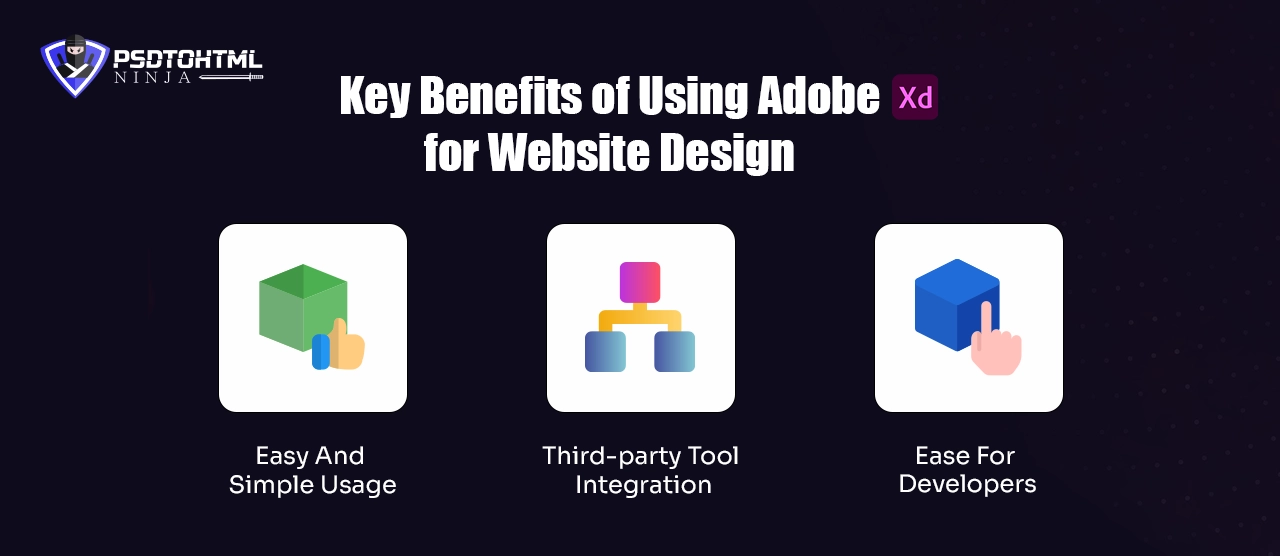
1️⃣ Easy And Simple Usage
Adobe XD provides a user-friendly and intuitive interface, which is beneficial for both beginners and experienced designers. In contrast to more complicated design software that often demands significant training, XD’s clear layout ensures designers concentrate on their creativity instead of grappling with the tools. Its features, such as drag-and-drop functionality, artboards, and ready-made UI kits, streamline the web design process, making it both smooth and efficient.
2️⃣ Third-party Tool Integration
Adobe XD works effortlessly with other Adobe applications such as Photoshop, Illustrator, and After Effects, simplifying the process of importing assets and refining designs. Designers can modify graphics in Photoshop and see those changes reflected in XD right away, which streamlines their workflow.
3️⃣ Ease For Developers
Adobe XD makes the developer handoff process easier with its design specs mode. Developers can examine designs, copy CSS code, and download assets straight from the platform, eliminating the need for extra software. This minimizes miscommunication, accelerates the development process, and guarantees that the final website appears and operates as planned.
Does Adobe XD have any downsides? Let us check it out!
1. File Sharing
Adobe XD does not offer cloud-based access, which means XD files can only be shared manually or via Adobe Cloud. This can pose problems during the XD to HTML conversion when the client or development team does not use Adobe Cloud.
2. Installation
Figma can be opened directly through the browser, and designers can straightaway start working on their UI/UX designs. But you need to separately download and install the Adobe XD software in order to use it.
Also read: How to Export Adobe XD to HTML: A Step-by-Step Guide
Which Tool is Better for Different Use Cases?
Figma and Adobe XD are widely used to create responsive web designs. Choosing one out of these two pioneers is a daunting task. To make things easier, let us see which one excels in different aspects of the web design process.

✅ Supported Platforms
The biggest difference between Figma and Adobe XD is their availability on different platforms. Figma is a cloud-based software that can be opened on any browser. The only condition is to have a stable internet connection. Figma can also be downloaded as a desktop app, but you would need the internet to access all the features.
Adobe XD, on the other hand, is used as a desktop app. To make designs on this software, you need it installed on your desktop. You can save your files on Adobe Cloud, but that would require proper internet and an Adobe Cloud account.
✅ User Interface
Web designing is a tough craft, and the software should have a clear interface to make the process swift. In terms of this aspect, both the tools come equipped with adequate panels and toolbars. Most of these bars are present on the top-right and side sections of the screen. As you switch to the pen or shape tool, the subsequent panel also changes accordingly.
✅ Tool Availability
Both platforms offer a wide range of tools that designers can use to create customizable vector shapes, graphics, and texts. The only difference lies in the creation process. For example, Figma allows you to use a pen to create any shape of your choice. All you need to do is create different lines. Adobe XD also lets you use the pen, but the shape is created by connecting the vector points, which can be slightly complicated.
✅ Responsive Web Design
Figma and Adobe XD offer various means of obtaining a responsive web design. Figma has the ‘auto layout’ feature that can be applied to elements, frames, and components. Designers can also see how these elements appear on different screen sizes.
Adobe XD also has a Responsive Resize tool that automatically changes the size of the components created in the project.
Read this: Convert Figma To HTML: A Step by Step Definitive Guide
How To Create An Intuitive Web Design?
A responsive and intuitive web design is created by industry experts in two popular ways: Figma to HTML conversion and Adobe XD to HTML conversion. Both processes are somewhat similar at the development stage but have different design processes based on the software you use.
Let us see how we create compelling web designs with these processes:
Figma to HTML
➔ A highly customizable and interactive web design is created on Figma.
➔ Once the design is exported, it is shared with the web development team.
➔ The team starts by creating folders to store each design element.
➔ A seamless HTML code is written manually for each design component.
➔ Once the coding is done, additional CSS and JavaScript frameworks are used to add multiple layers.
➔ Testing is done to detect bugs and errors.
➔ After a final round of revisions, the web design is ready to launch.
Adobe XD to HTML
➔ Designers use the available tools on Adobe XD to craft a web design as per the client's expectations.
➔ The design is shared via Adobe Cloud, or it is separately downloaded so the development team can access it.
➔ Now, the development process is similar to the time when you convert Figma to HTML.
➔ Manual hand coding is done for each element, so we have a solid code.
➔ Once the development stage is complete, the code is tested.
➔ All the bugs are fixed, and the website is launched.
Conclusion: Which Is Better for Web Design?
A responsive web design is essential to compete in the digitally driven world. Expert designers and developers use different techniques to achieve their objectives. Converting Figma to HTML and Adobe XD to HTML conversion are both widely used in the industry. But which one to opt for?
Figma successfully outshines Adobe XD for obvious reasons. First, it gives a highly responsive design by maintaining the accuracy of the layout. Second, Figma follows a collaborative approach, which leads to a time-efficient web design and development process.
The paid version of Figma provides some useful AI tools to accelerate the design process. If you want an exhilarating and interactive website, then PSDtoHTMLNinja is your go-to partner.
We are a leading website design company with over a decade of experience. Our designers and developers are certified Figma and Adobe XD professionals. We give the best results at reasonable service costs. Allow our experts to take a look at your design, and we'll revert with a price quote.

Jayveer Ker serves as the Business Development Manager at PSDtoHTMLNinja.com, specializing in assisting organizations with overcoming web development hurdles. His insightful and informative posts deliver practical solutions and valuable insights.
Couldn't find what you were looking for?
Let us know how we can help!

Related Blog Posts
How to Convert Your Figma Design into Pixel-Perfect HTML Code – The Ultimate Guide